Custom Property Sets
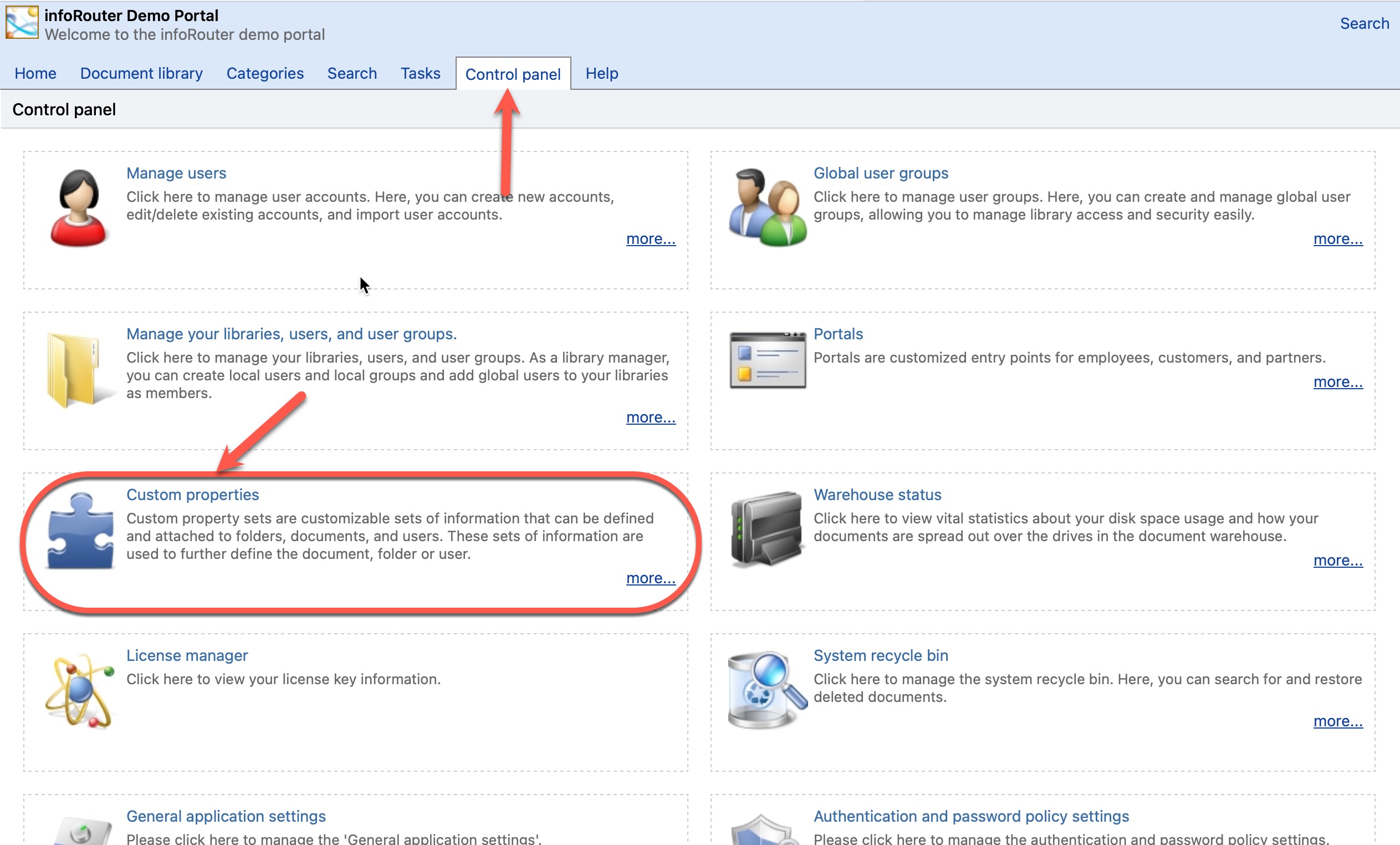
Custom Property Sets are user-defined metadata fields that can be attached to folders and documents. They allow you to add structured information beyond the standard document properties.
Why Use Custom Properties?
Custom properties enable powerful search capabilities based on your specific business data, not just document names or content.
Search Examples
- Find all invoices where the amount is more than $400.00
- Find all invoices issued after January 5th, 2015
- Find all proposals written for customer XYZ
- Find all emails from james@acme.com
- Find all resumes where hometown is London
Range Searches
Custom properties allow you to search in ranges (greater than, less than, between dates) — much more powerful than simple full-text search.
Scope Options
Custom Properties can be defined at two levels:
| Scope | Description |
|---|---|
| Global | Available across all libraries |
| Library Level | Only appears in specific libraries |
This allows you to create property sets that are relevant only to certain departments or projects, keeping the interface clean for users who don't need them.
Common Use Cases
| Use Case | Custom Properties |
|---|---|
| Invoices | Invoice number, amount, date, customer |
| Contracts | Contract ID, parties, expiration date, value |
| HR Documents | Employee ID, department, hire date |
| Projects | Project name, phase, deadline, budget |
| Correspondence | Sender, recipient, date, reference number |